Private
by default.
Record, listen, search, edit, and export without ever creating an account. Sanctum never uses your recordings, transcripts, or notes for tracking, advertising, analytics, or AI training.
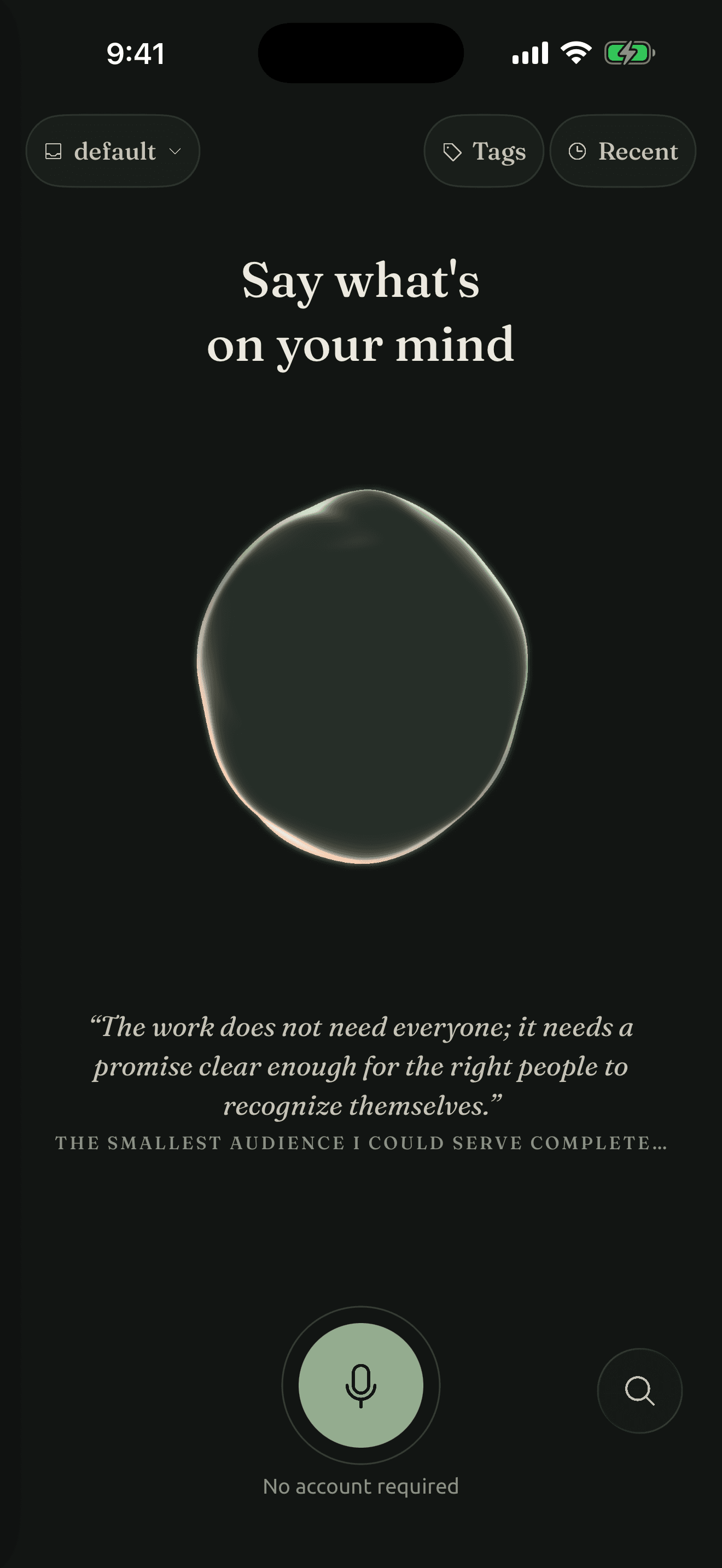
A voice journal for the now moments of life
Capture thoughts the way they arrive: out loud. Sanctum turns them into clear notes you can return to anytime, saved on your device in files you can take anywhere.

Or email yourself the download link
Built for the Action Button
Bind Sanctum to your iPhone’s Action Button and go straight into a recording. The microphone opens before the Ritual blooms across the screen, so the moment is already safe.
One press begins.
Another saves.
Available on iPhone models with an Action Button.

 Action Button
Works with what you already use
Each finished note is a plain-text Markdown file. Paste the words into Notion or Google Docs, open the file in Obsidian, or send it to a friend or coworker. No special export or proprietary format required.
morning-walk-idea.synthesis.md
Plain text yours to keep, yours to share
One note, many places
Or send the file to a friend, a coworker, or yourself.
Privacy and ownership
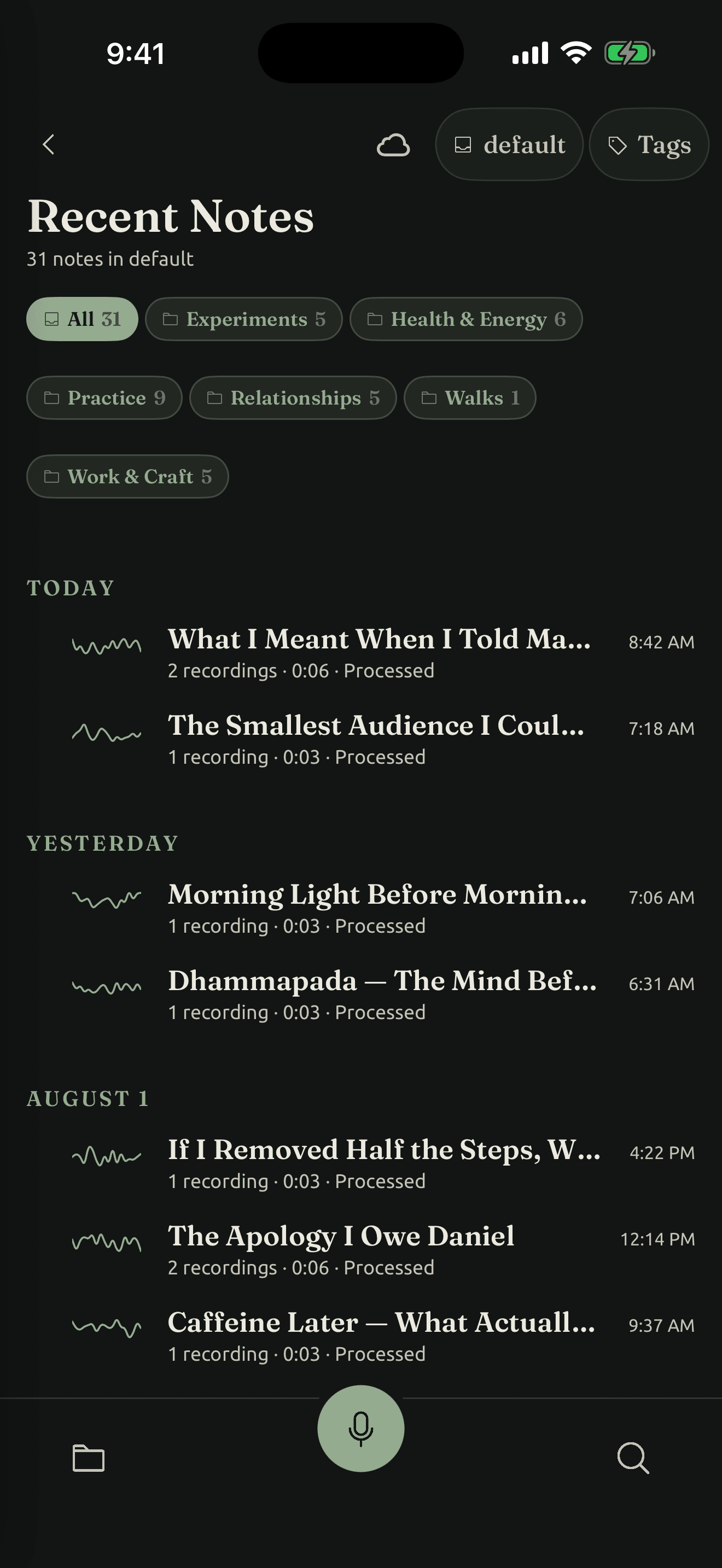
Sanctum keeps your recordings and notes on your device, in files you can open, move, and keep. They stay readable even without Sanctum.
Record, listen, search, edit, and export without ever creating an account. Sanctum never uses your recordings, transcripts, or notes for tracking, advertising, analytics, or AI training.
Your recordings, transcripts, and notes live in ordinary folders you can see, move, back up, and open outside Sanctum.
Some transcription and analysis features use an online service. They run only when you choose them, and Sanctum tells you before note content leaves your device. The anonymous trial does not require an account; continuing with paid analysis does.
How it works
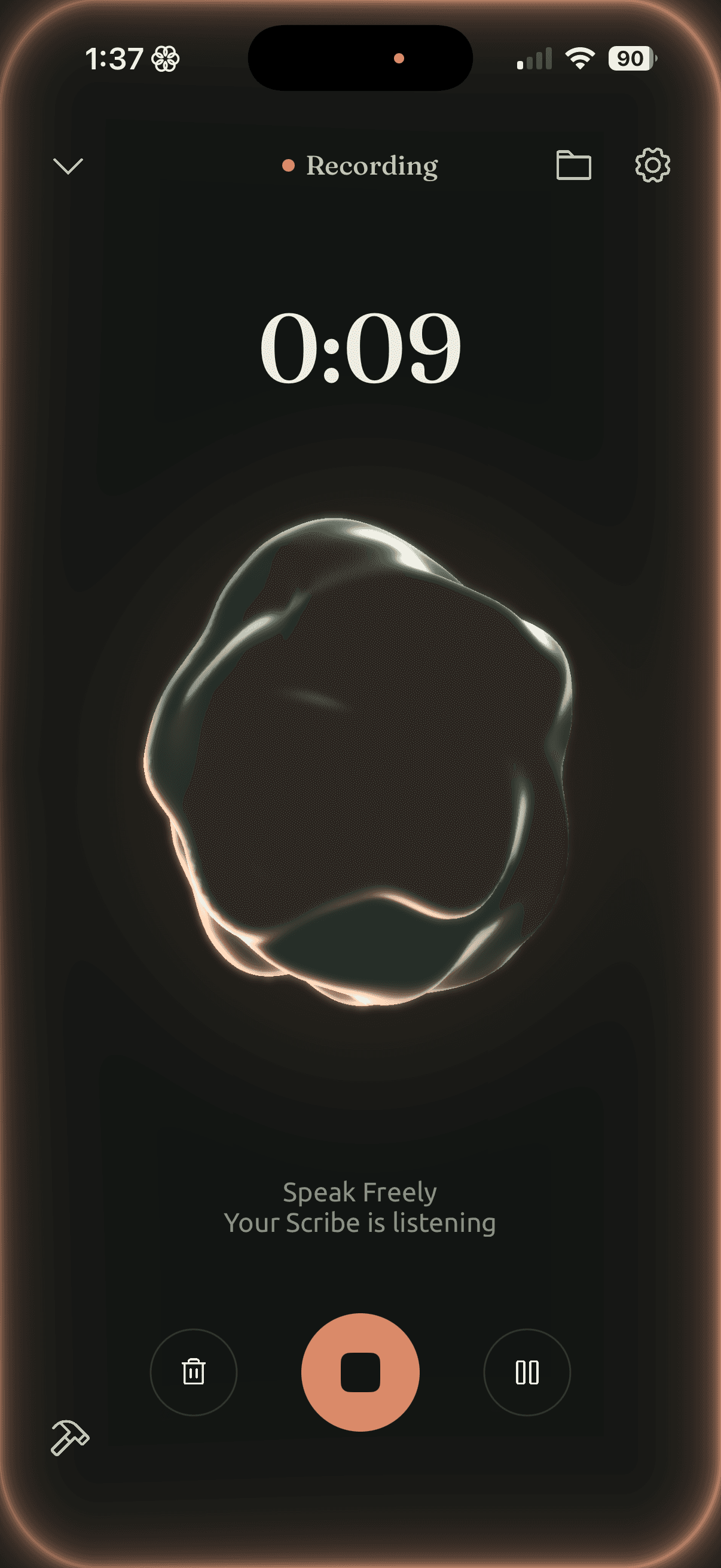
Press record and keep moving. Sanctum keeps your original words and turns them into a clear note you can return to whenever you need it.
Press record and say it while it’s fresh.
Your recording and transcript stay together.
Come back to a clear note you can revisit, edit, or take anywhere.
More than a summary
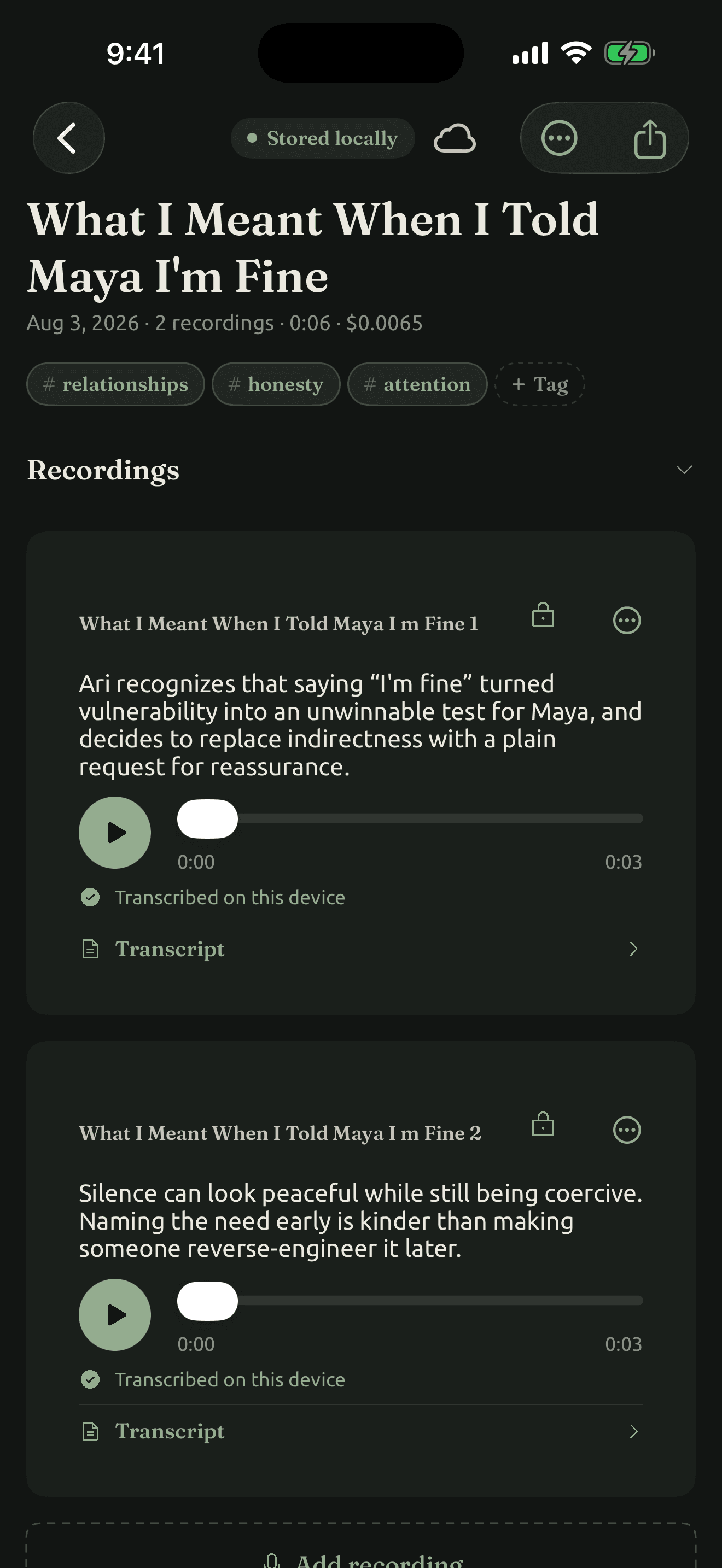
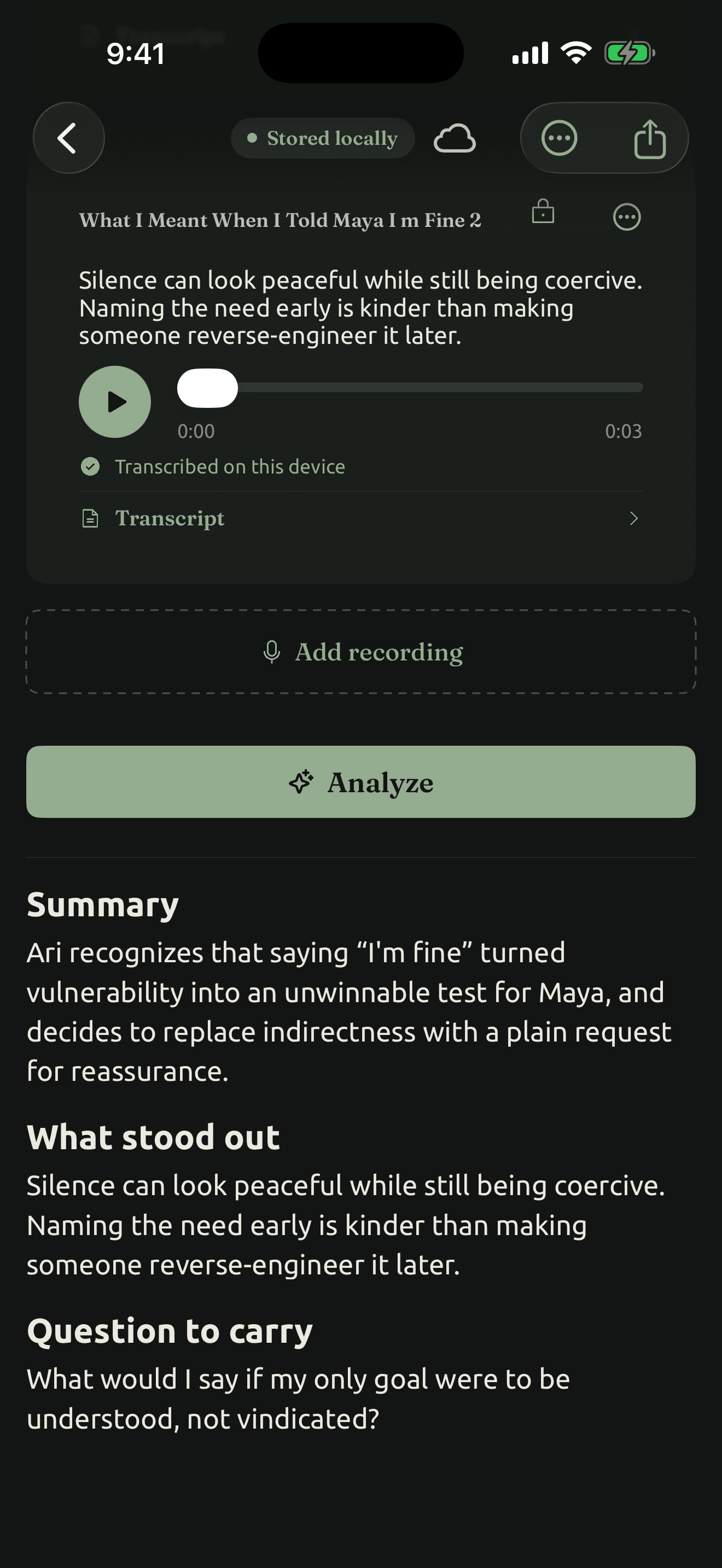
The recording, the words you spoke, and the note they become stay together, so you never lose the context behind an idea.
Listen again.
Read the transcript.
Return to the finished note.
Inside each note
Open a note and you can play the audio back, read what you actually said, or work with the finished writing. Every layer stays connected.
Common questions
These are the questions people ask before they trust an app with their voice.
Not for recording, listening, organizing, searching, editing, sharing, or exporting. An account is for paid or cloud services such as more online analysis, Private Backup, purchases, and feedback.
On your device, in ordinary folders you can access through the Files app. You can move, copy, or back them up whenever you like.
Recordings are saved as .m4a audio, transcripts as JSON, and notes as Markdown. All three are open, documented formats you can access outside the app.
Your transcript and note stay intact. Sanctum removes audio only when you ask, and only after making sure the transcript is safely saved.
Online transcription and analysis send the selected audio or text after Sanctum shows the processing notice. Opt-in Private Backup sends files only after encrypting them on your device.
Now on the App Store for iPhone
Sanctum turns your voice into clear, private notes that live on your device and stay yours.
Download on the App StoreOr email yourself the download link